 SURVIVALGAM.ES
Loading your world
Your next adventure is a few blocks away.
SURVIVALGAM.ESLoading your world
Your next adventure is a few blocks away.
SURVIVALGAM.ES GUIDES
Find your way around the website and the network. Link your account, join a match, play with friends, and get more out of every game.
Explore the guides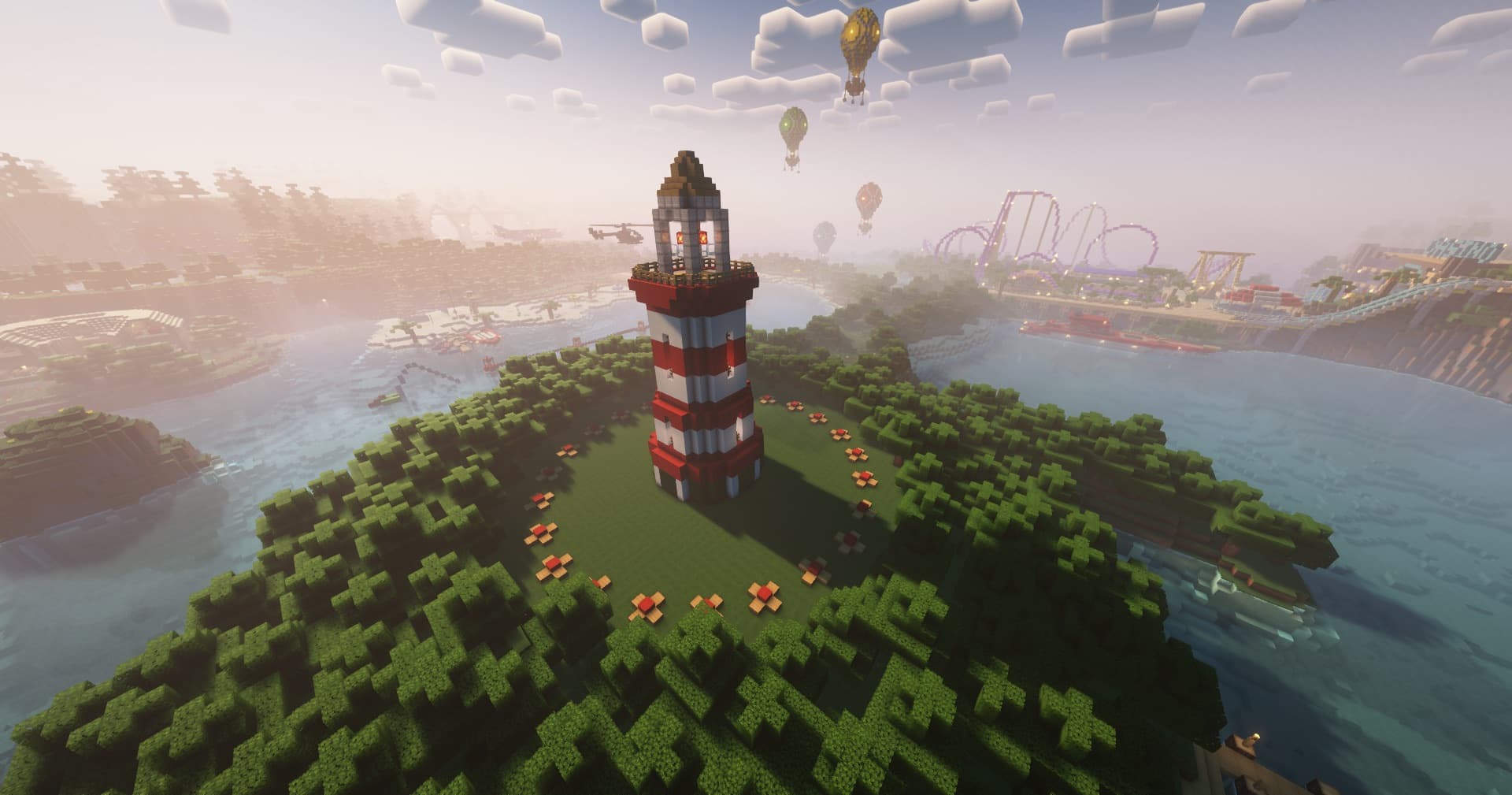 IN THE SPOTLIGHT
Create & manage a custom SG lobby
Find your people and play together.
Good questions. Quick answers.
A few things players often want to know.
Codes expire after 10 minutes and can only be used once. Generate a new code in Settings → Account and use it while connected with the Minecraft account you want to link.
Read the guideIn the Practice lobby, right-click the Ranked Queue diamond sword or Unranked Queue iron sword, then click your kit in the menu. Use the Leave Queue redstone item to cancel.
Read the guideCreating a custom lobby requires SG Host access. If you have access and creation fails, read the message shown in chat; a lobby may already be preparing or capacity may be unavailable.
Read the guideA party organizes your group across the network. A team belongs to a particular game. A clan is a longer-term group with a shared name and tag.
Read the guideThe website’s UHC Calendar displays scheduled times in UTC. Convert the event time to your local time zone before planning to join.
Read the guideIn the hub, right-click Cosmetics or use /cosmetics. Choose a category and check the item’s description for its requirements and available actions.
Read the guideHere to help
Tell us what happened. We’ll help you find the next step.